
Creators
Reach more audiences without managing separate platform setups every time you go live.
Explore
Built for creators, broadcasters, event teams, corporate teams, agencies, and streaming operators.
StreamToWorld gives your team one place to launch, monitor, and manage a live stream across multiple destinations. Connect the encoder once, control outputs from one dashboard, and keep health, session, and usage visibility in the same workflow.

Instagram-Safe Workflow
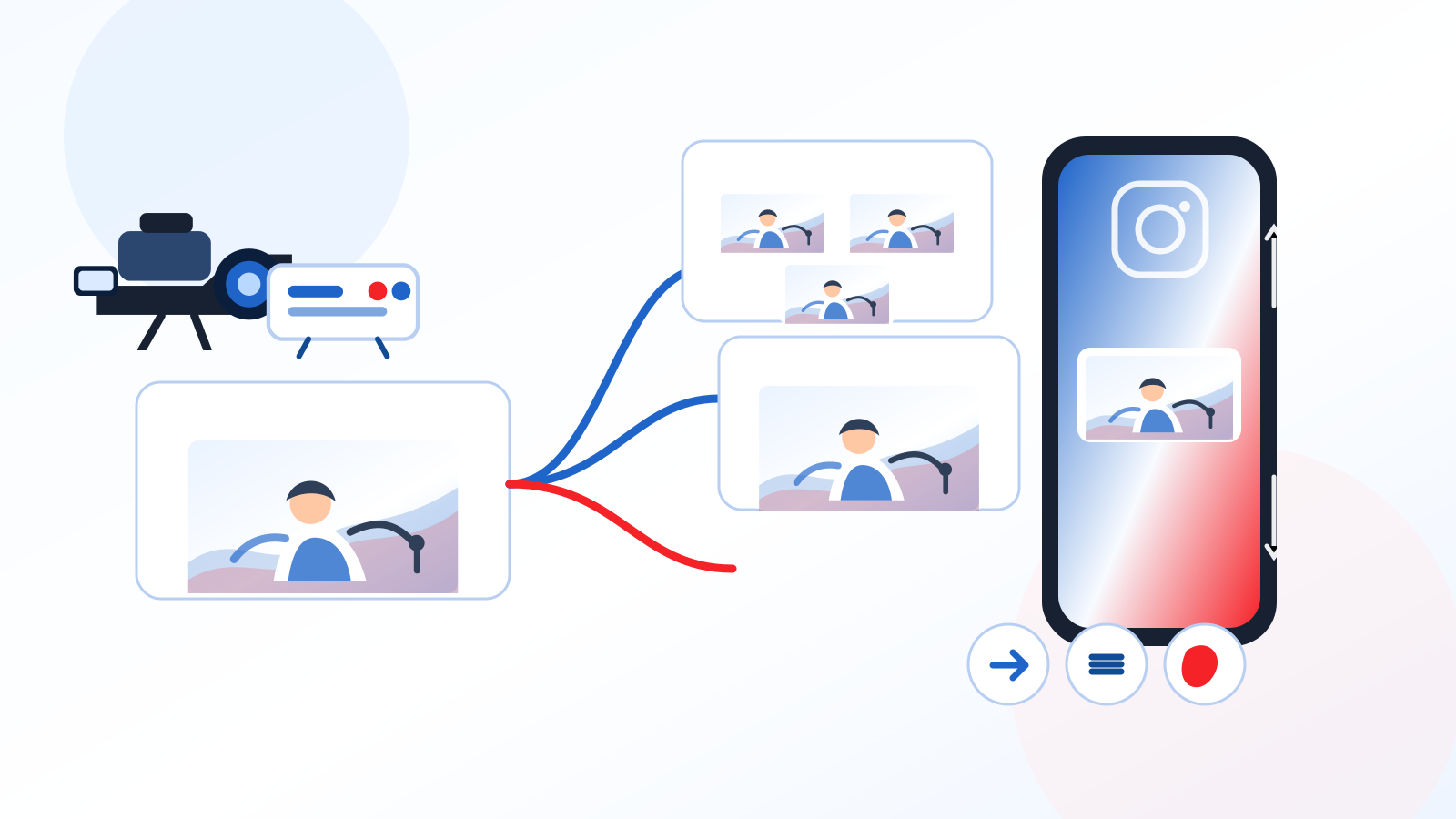
Keep your standard destinations on the original 16:9 program while preparing the Instagram destination as a 9:16 output with a custom background and controlled vertical placement.
StreamToWorld is designed for real streaming workflows, whether you are publishing for yourself, a studio, a business unit, or multiple clients at once.
Reach more audiences without managing separate platform setups every time you go live.
Explore
Control destination routing and broadcast health from one dependable operations surface.
Explore
Handle multi-platform delivery with better coordination, visibility, and live control.
Explore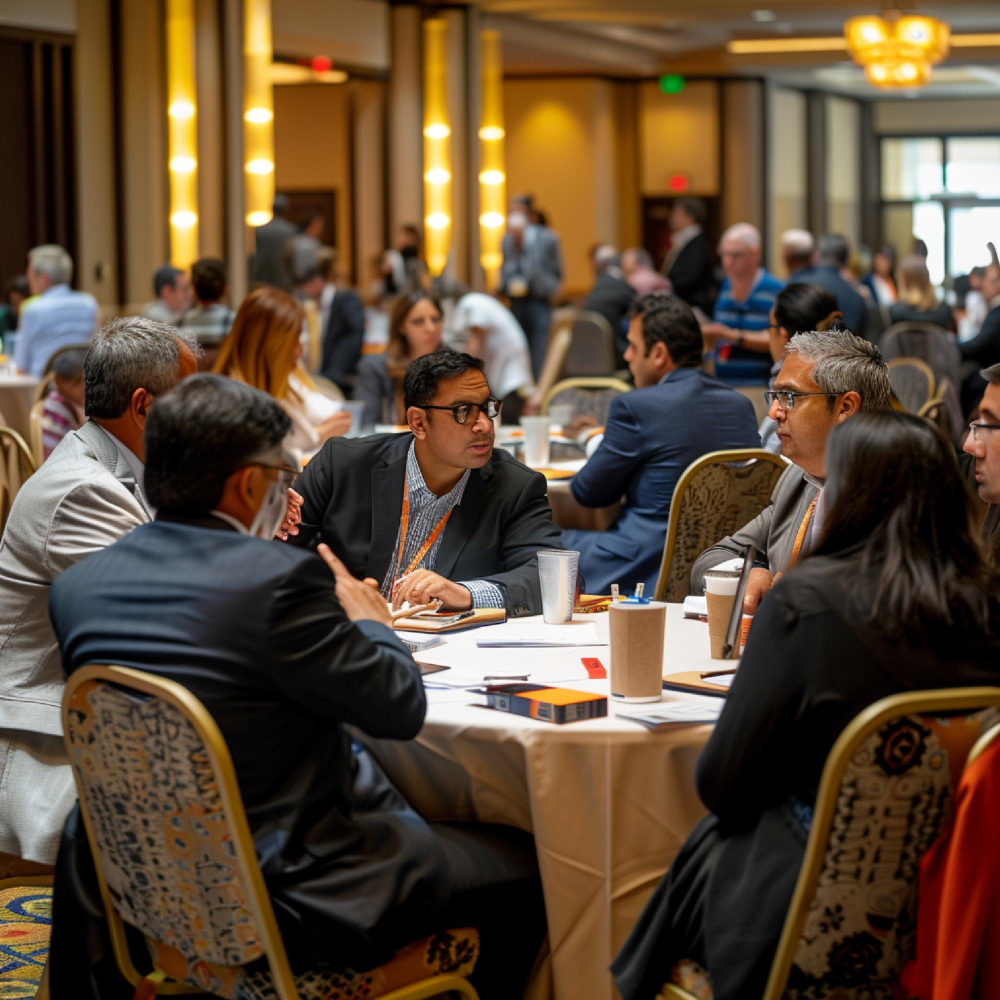
Manage external and internal live outputs from a single operational workflow.
Explore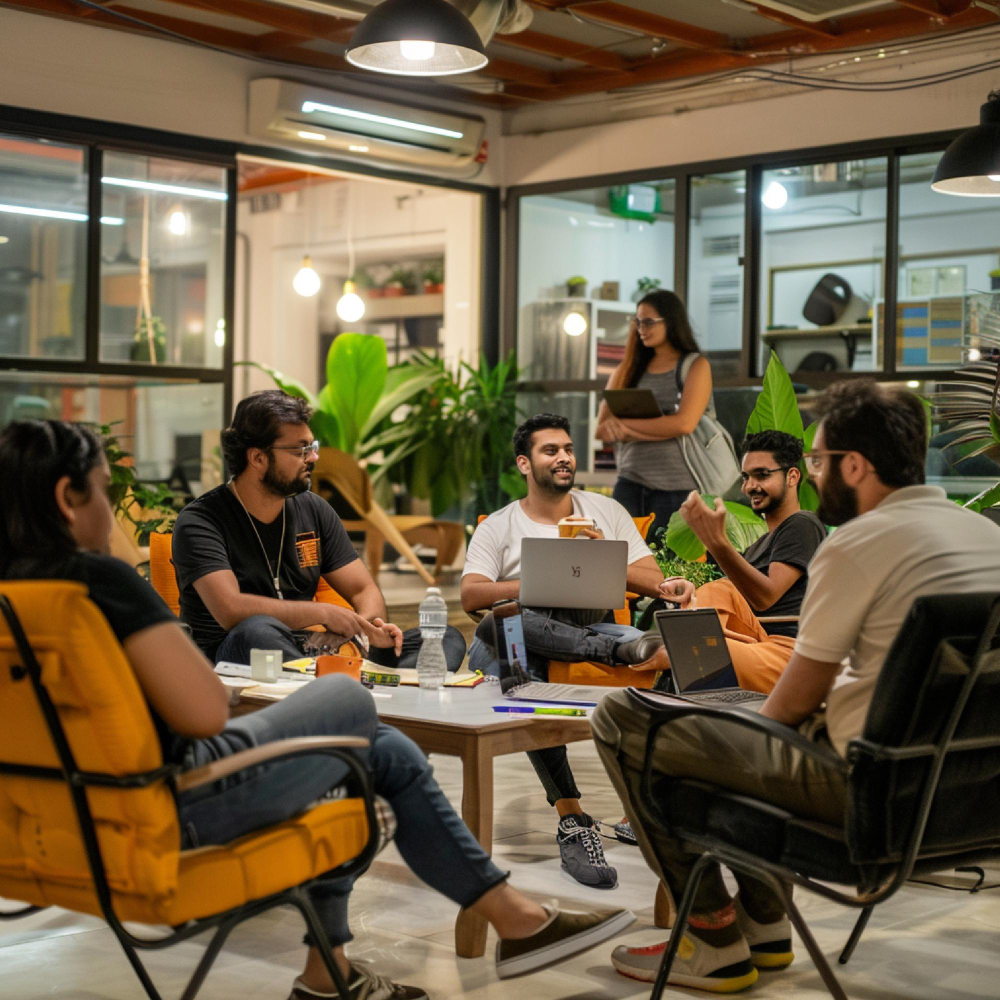
Maintain consistent delivery standards across multiple customers, brands, or use cases.
Explore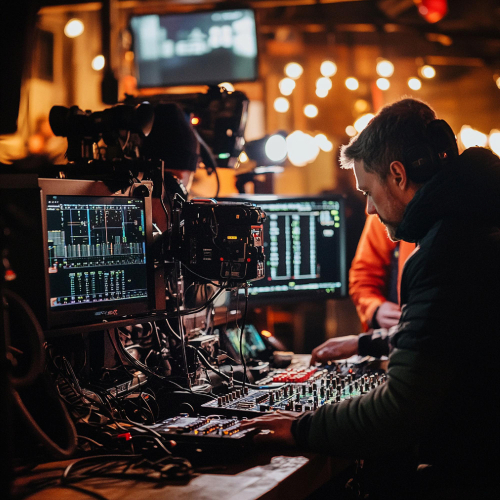
Reduce routing complexity while keeping session behavior, usage, and reliability visible.
ExploreThe platform is built around dependable multistream delivery, live operational oversight, and account-level control rather than just basic stream forwarding.
Send one incoming encoder feed to multiple streaming platforms and RTMP endpoints from one console.
Launch, stop, and supervise broadcasts from a unified dashboard instead of juggling separate tools.
Start or stop individual destinations while the stream is already live, without restarting the session.
Track encoder presence, stream status, and operational health from a single control surface.
Keep visibility on output-specific behavior so destination problems do not stay hidden behind one global badge.
Review historical sessions, plan usage, and streaming activity with persistent account-level records.
Separate subscriber and admin views help teams manage users, plans, workers, and support workflows cleanly.
Support Google sign-in plus email, password, OTP registration, and recovery for controlled account access.
StreamToWorld keeps the broadcast path simple: connect the encoder once, choose where the stream should go, then control everything from the same dashboard.
Publish your feed into StreamToWorld using the provided ingest server URL and stream key.
Add platform outputs or custom RTMP endpoints, then decide what should go live and what stays on standby.
Start once, observe health and destination activity, and close the session with clear operational history.
Pro Plus Continuity
Pro Plus source continuity gives live teams a primary ingest path and a backup ingest path for supported workflows. When the active source becomes unavailable, the session can move to the backup path automatically, while operators still keep a manual source-switching option for controlled changes.

StreamToWorld pricing is designed around account context and operational scale. Public plan details explain capability fit, while checkout currency and billing flow are resolved inside the console.
Free to start
One-time evaluation
For longer, larger workflows

StreamToWorld is built by the team behind 24 Frames Digital and operated by TFD Communications Private Limited.
24 Frames Digital is an established live streaming and webcast brand in India. StreamToWorld benefits from that experience in live event delivery and streaming operations.
The platform is built with the practical lessons that come from running real live productions.
Start with the free plan, get familiar with the platform, and scale up when you need more destinations, runtime, and control.